Video too large to email from iPhone
Email accounts cap a message at about 20–25 MB (iCloud Mail 20 MB, Gmail and Yahoo 25 MB), and a minute of 4K iPhone video is far bigger. You have two fixes. In Apple's Mail app, attach the video anyway and accept Mail Drop, which sends a download link for files up to 5 GB, kept for 30 days. Or shrink the video under the limit with the free tool on this page, so it arrives as a normal attachment; a 2-minute 4K clip became 18.6 MB in our test.
Why is my video too large to email?
Because email limits are tiny next to phone video. These are the limits on each provider’s own help page, checked on November 22, 2026:
| Email account | Limit per message | Source |
|---|---|---|
| iCloud Mail | 20 MB (up to 5 GB with Mail Drop) | Apple: iCloud Mail limits |
| Gmail | 25 MB, all attachments together | Gmail Help |
| Yahoo Mail | 25 MB, all attachments together | Yahoo Help |
| Outlook.com | 20 MB to be safe (Microsoft lists 20 MB and 25 MB) | Microsoft Support |
Our 4K test video, recorded the way an iPhone stores it, uses about 2.5 MB per second. So about 8 seconds of 4K fills iCloud Mail’s 20 MB, and 10 seconds fills Gmail’s 25 MB. Even at 1080p, a half-minute clip is usually over.
Fix 1: How do I send it with Mail Drop?
Mail Drop is built into Apple’s Mail app and needs no download. Apple’s Mail Drop page says “you can send attachments up to 5 GB in size”, “each attachment expires after 30 days”, and they “don’t count against your iCloud storage”.
- In Photos, tap the video, tap Share, then tap Mail. (Or, in a new email in Mail, tap in the message, tap the attachment button above the keyboard, then Photo Library, and choose the video.)
- Add the address and tap Send.
- When Mail says the attachment is too large, follow the onscreen prompt to send it with Mail Drop. Apple’s iPhone User Guide puts it this way: “If your file exceeds the maximum size allowed by your email account, follow the onscreen instructions to send it using Mail Drop.”
The person gets a link and has 30 days to download the full-quality video. Mail Drop only works from Apple’s Mail app (iPhone, iPad, Mac or iCloud.com), you must be signed in to your Apple Account, and Apple warns that “the recipient’s email app might have a smaller message size limit”.
Fix 2: How do I shrink the video so it attaches normally?
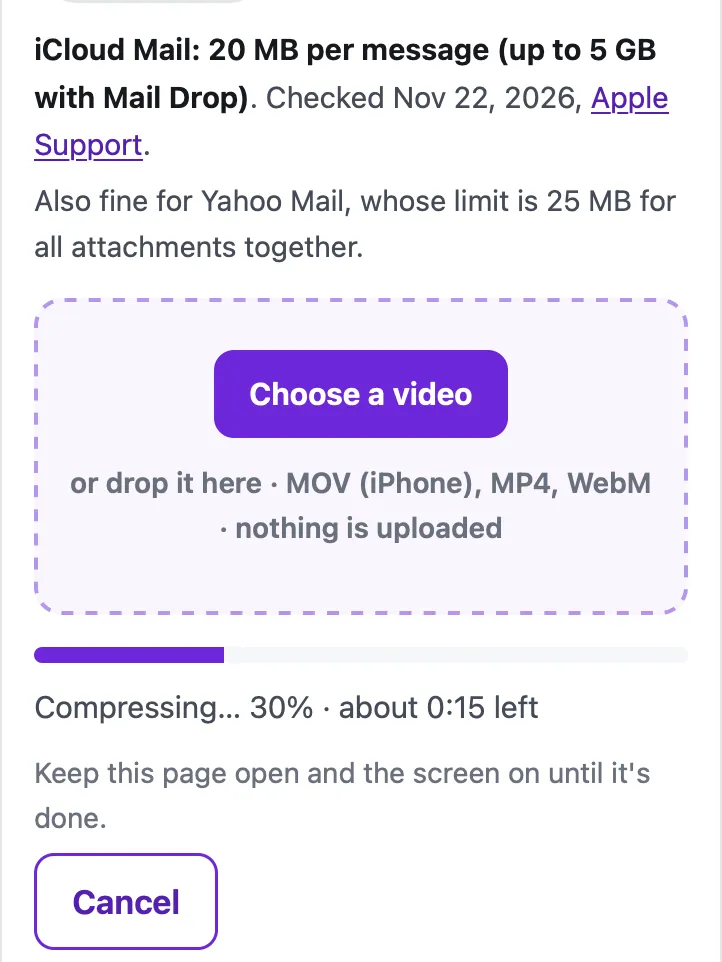
Use the tool below. It picks the resolution and bitrate so the video lands just under the limit, checks the real size, and gives you an MP4 that plays on any phone or computer. Nothing is uploaded: Safari’s own video encoder does the work on your iPhone.
Shrink the video for email
Saves the sound track as an .m4a file (AAC), which plays in Music, Files, Windows and Android. The sound is copied without re-encoding when it's already AAC, as iPhone and most Android videos are.
Trim (optional)
Minutes:seconds, like 0:15 or 1:30. Trimming first is the best way to keep quality when the limit is small.
Starting…
Keep this page open and the screen on until it's done.
| Before | After |
|---|
On iPhone, tap "Save to Photos or Files", then Save Video (Photos) or Save to Files.
Pro is coming soon · $4.99 lifetime or $1.99 a month
- Unlimited videos a day, any length
- Batch: fit several videos in one go
Everything above is free while we launch. Leave your email and we'll write once, when Pro is ready.
Runs in your browser. Nothing is uploaded. No sign-up.
- Pick the email service: iCloud Mail (20 MB), Gmail (25 MB), Outlook, or Custom size.
- Tap Choose a video and pick it from Photo Library.
- Optional: Trim the start and end. For email, cutting it to the part that matters is the best way to keep it sharp.
- Tap Compress, keep Safari open, then tap Save to Photos or Files.
- In Mail, attach the new video. It’s now under the limit, so it goes as a normal attachment.
Which is better: Mail Drop or a smaller video?
| Mail Drop | Compressed attachment | |
|---|---|---|
| Quality | Original, untouched | Smaller resolution for longer videos |
| Size limit | 5 GB | Your email’s 20–25 MB |
| How long it lasts | Link expires after 30 days | It’s in their inbox for good |
| Works from | Apple’s Mail app only | Any email app (Mail, Gmail, Outlook) |
| The person sees | A download link | The video, playable in the email |
If only the sound matters (a talk, a voice message, a song), save just the audio: two minutes of iPhone sound is about 2.4 MB, small enough for any email. For a work chat rather than email, see compressing a video for Microsoft Teams.
Use Mail Drop for long or important videos (a recital, a wedding, footage someone will edit). Use a compressed attachment when the person should just watch it, when you send from the Gmail or Outlook app, or when the email has to stay readable later, for example for school, work or an insurance claim.
How much quality is left at 20–25 MB?
Measured in Safari’s engine (WebKit) on a Mac with an Apple M4 chip, on a 2-minute 4K HEVC test video made from the Creative Commons film Tears of Steel (304 MB, stored like an iPhone video):
- iCloud Mail, 20 MB: 18.6 MB at 960×540, in 21 seconds.
- Gmail, 25 MB: 23.3 MB at 960×540, in 21 seconds.
For shorter clips the tool keeps more detail: in 25 MB a 30-second video stays at 1080p and a 1-minute video at 720p. For Gmail specifically, see getting a video under 25 MB for Gmail; for a work address, compressing a video for Outlook. If the video is going by text message instead, see how to send a long video on iMessage.
Questions people ask
How do I send a video that is too big for email from my iPhone?
Use Mail Drop in Apple's Mail app (it sends a link for files up to 5 GB), or compress the video below your email's limit (20 MB for iCloud Mail, 25 MB for Gmail) and attach it normally.
What is Mail Drop?
An iCloud feature in Apple's Mail app. Instead of attaching the file, Mail uploads it to iCloud and sends a link. Apple says attachments can be up to 5 GB, expire after 30 days, and don't count against your iCloud storage.
Does Mail Drop work if I send from a Gmail or Outlook address?
Yes, in Apple's Mail app. Apple's Mail guide says that when you send from another email provider, Mail asks whether to use Mail Drop. You need to be signed in to your Apple Account.
How do I make a video smaller to email on iPhone?
Open this page in Safari, pick where it's going (iCloud Mail, Gmail or Outlook), choose the video and tap Compress. The tool lands just under the limit and you attach the new file.
Why does the person get a link instead of the video?
Because the file went by Mail Drop (Apple) or as a Google Drive link (Gmail does this automatically when attachments go over 25 MB). They can still download it, but only for a while with Mail Drop: 30 days.
Related
- Compress for GmailCompress a video to just under Gmail's 25 MB attachment limit in your browser, so it arrives as a real attachment, not a Drive link. Nothing uploaded.
- Compress for OutlookShrink a video under Outlook's 20 MB attachment limit (10 MB for many work accounts) in your browser, so the email sends. Free, nothing uploaded.
- Send a long video on iMessageLong video won't send in Messages, or arrives blurry? Apple's own fixes (AirDrop, iCloud link, Mail Drop), carrier MMS limits, and how to shrink it.
- All guidesEvery Cube guide, by task.