Convert MOV to MP4 on iPhone
iPhones save video as .mov files, usually in the HEVC format, and iOS has no "save as MP4" button. The tool below converts the video to an MP4 with H.264 video and AAC sound in Safari, on your iPhone, without uploading it. In our test a 2-minute 4K HEVC .mov (304 MB) became a full-4K MP4 of 448 MB in 59 seconds, or a 1080p MP4 of 114 MB in 21 seconds, in Safari's engine on a Mac.
Convert a video to MP4 (H.264)
Saves the sound track as an .m4a file (AAC), which plays in Music, Files, Windows and Android. The sound is copied without re-encoding when it's already AAC, as iPhone and most Android videos are.
Trim (optional)
Minutes:seconds, like 0:15 or 1:30. Trimming first is the best way to keep quality when the limit is small.
Starting…
Keep this page open and the screen on until it's done.
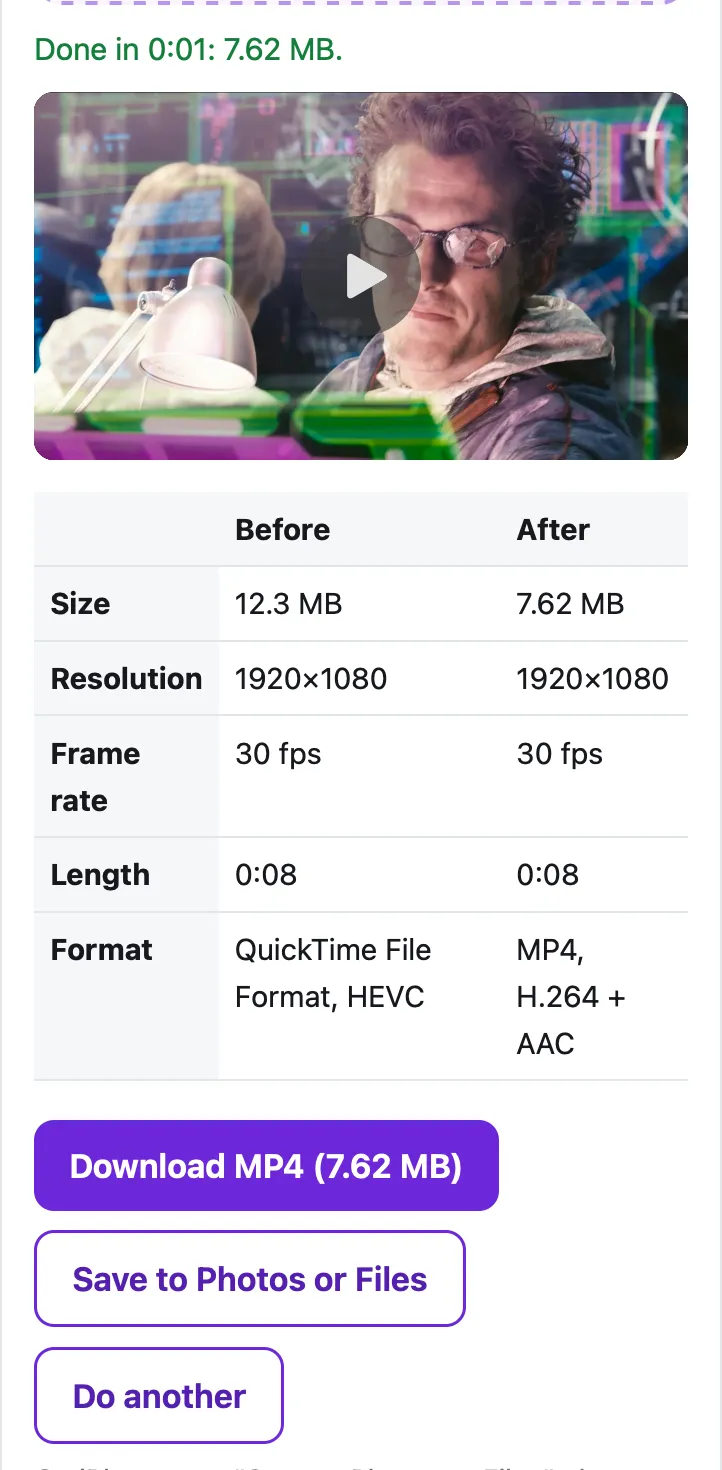
| Before | After |
|---|
On iPhone, tap "Save to Photos or Files", then Save Video (Photos) or Save to Files.
Pro is coming soon · $4.99 lifetime or $1.99 a month
- Unlimited videos a day, any length
- Batch: fit several videos in one go
Everything above is free while we launch. Leave your email and we'll write once, when Pro is ready.
Runs in your browser. Nothing is uploaded. No sign-up.
Is a MOV file the same as an MP4?
Almost, on the outside. Both are containers, the “box” that holds the video, the sound and the timing, and the MP4 format grew out of Apple’s QuickTime .mov format. The difference that matters is the video format inside:
- An iPhone set to High Efficiency (the default) records HEVC (H.265) video in a .mov file.
- An MP4 made for sharing almost always holds H.264 video and AAC sound, which nearly every device, browser and upload form can play.
So when a website says “MP4 only”, or a Windows PC or an Android phone won’t play the iPhone video, the real problem is usually HEVC, not the file name. Converting fixes both: the tool re-encodes the picture as H.264 and saves it in an .mp4 file.
Can the iPhone save a video as MP4 by itself?
Not in any way Apple documents. Apple’s HEIF and HEVC page offers a setting for future videos: Settings › Camera › Formats › Most Compatible, after which “all new photos and videos will now use JPEG or H.264 format.” That fixes playback, but it applies only to new recordings, gives up what Apple calls the “space-saving” HEVC format, and Apple doesn’t say the files stop being .mov.
When you share an existing video, the Photos share sheet has an Options menu. Apple’s sharing guide describes it as: “Tap Automatic for the best file format for the destination, tap Current to prevent a file format conversion, or tap Most Compatible and files may convert to JPEG or MOV.” In other words, the compatible option still gives you a MOV. That’s the gap this page fills.
How do I convert MOV to MP4 on iPhone?
- Open this page in Safari on your iPhone. Convert to MP4 is already selected in the tool at the top.
- Choose the size: Same as the original keeps 4K; 1080p makes a smaller file that still looks sharp on a TV; 720p is smallest.
- Tap Choose a video, then Photo Library, and pick the video.
- Optional: open Trim to keep only part of it.
- Tap Convert to MP4 and keep Safari open until the bar reaches 100%.
- Tap Save to Photos or Files, then Save to Files, to keep it as an .mp4 file you can upload, email or copy to a PC. (Or tap Download.)
How big is the MP4, and how long does it take?
Measured in Safari’s engine (WebKit) on a Mac with an Apple M4 chip, on a 2-minute 4K HEVC test video recorded the way an iPhone stores it (304 MB, 30 fps, stereo sound, made from the Creative Commons film Tears of Steel):
| Size chosen | Result | File size | Time |
|---|---|---|---|
| Same as the original | 3840×2160 H.264, 30 fps | 448 MB | 59 seconds |
| 1080p | 1920×1080 H.264, 30 fps | 114 MB | 21 seconds |
| Sound only (.m4a, see extracting audio) | AAC, copied as is | 2.43 MB | 0.5 seconds |
H.264 is the less efficient format (Apple calls HEVC the “space-saving” one), so the converter gives it more bits than the original had, and a same-size conversion makes a bigger file. If the MP4 has to go by email or chat, use the Fit a size limit mode instead: it converts to MP4 and shrinks it in one step, for example to 25 MB for Gmail.
What else changes in the converted file?
- Location and camera details are removed. iPhone videos carry metadata such as where they were recorded; the MP4 doesn’t copy it. That’s on purpose, since you’re usually sending it to someone.
- Portrait videos stay portrait. The tool keeps the rotation flag the iPhone wrote.
- HDR videos stay HDR-tagged. iPhones can record HDR (HLG) video. In our test with an HLG clip, the MP4 kept the HLG and BT.2020 color tags in 8-bit H.264; how it looks then depends on the player.
If a Windows PC is why you’re converting, there’s also a one-time fix on the PC side: see why iPhone videos won’t play on Windows. For Android, see sending a video from iPhone to Android.
Questions people ask
Can I just rename a .mov file to .mp4?
Sometimes the file opens, but the video inside is still HEVC, so anything that couldn't play HEVC still can't. Converting re-encodes the picture as H.264, which is what Windows, Android, older TVs and most upload forms expect.
Can I make my iPhone record MP4 instead of MOV?
Not as such. Settings › Camera › Formats › Most Compatible makes the camera record H.264 instead of HEVC, which fixes most playback problems, but Apple doesn't say it changes the .mov file type, and Apple calls HEVC the space-saving format, so expect bigger files.
Why is the MP4 bigger than the original MOV?
HEVC packs the same picture into fewer bits than H.264. At the same 4K size, our 304 MB test video became 448 MB as H.264. Choosing 1080p gives a file smaller than the original (114 MB).
Does converting lose quality?
Every re-encode loses a little. The tool uses a generous bitrate (about 30 Mbit/s for 4K and 7.5 Mbit/s for 1080p at 30 fps), so the difference is hard to see on a phone or laptop.
Is my video uploaded to convert it?
No. Safari's own video encoder does the work on your iPhone. The page never sends the video anywhere.
Related
- iPhone video won't play on WindowsiPhone videos are HEVC, which Windows doesn't play out of the box. Fix it with Microsoft's $0.99 extension, an iPhone setting, or a free MP4 conversion.
- iPhone to Android, full qualityTexted videos from iPhone to Android arrive blurry because of MMS. Five ways that keep quality (RCS, Quick Share, Google Photos, links), with real limits.
- Compress for GmailCompress a video to just under Gmail's 25 MB attachment limit in your browser, so it arrives as a real attachment, not a Drive link. Nothing uploaded.
- All Cube toolsShrink a video to fit Gmail, Discord, WhatsApp or any limit